Personal from cover to cover
Family photos, your own words, parent narration, and reading levels that meet each child where they are.
Made from the moments you love
Turn everyday photos, memories, and familiar voices into personalized books—then read together and add them to a Family Library that grows year after year.
Create, read, and share stories with the whole family.

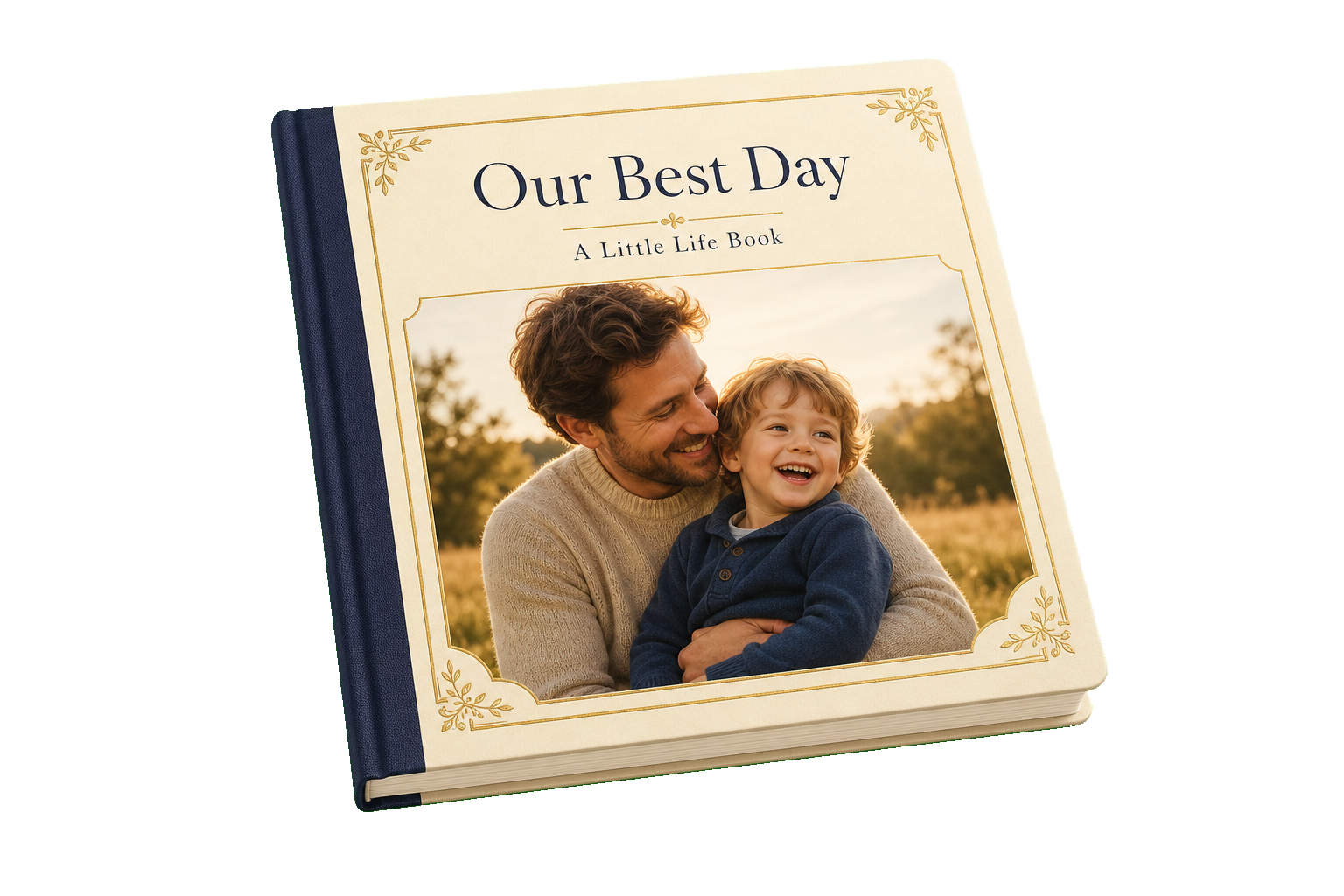
Their photos. Their story. Your voice.
From moment to keepsake
Choose one small moment worth remembering.
Type it, use voice-to-text, or get a little help from AI.
Save it to your family’s bookshelf and share it with the people you love.
A keepsake made together
Little Life Books turns the moments that shape a family into personal stories to read together now and return to for years.
Simple from the very first page
Choose a moment from your camera roll or capture one as it happens.
Write in your own words, speak with voice-to-text, or ask for a little AI assistance.
Add familiar narration so story time still sounds like you.
Enjoy it at home, share it across generations, and keep it for the years ahead.


Close, even from far away
Anyone in the family can create, read, and share with Little Life Books. Open a shared story instantly in any browser, or use the app to build and enjoy a Family Library of your own.
Made for meaningful reading

Family photos, your own words, parent narration, and reading levels that meet each child where they are.
Listen to a familiar recorded voice or use Read Aloud support whenever story time needs a hand.
Keep every book in one collection, ready for story time today and the years ahead.
Anyone can create a book, share a memory, or settle in to read a story together.
A library that grows with your family
Year after year, your Family Library becomes a record of the life you share.
First steps, rainy afternoons, family traditions, and wonderfully ordinary days—each book gives another memory a lasting place.

Your family story stays yours
Every family’s library is private. You can share an individual book with a secure, read-only link, and turn sharing off at any time. A shared link never opens the rest of your library.
Good to know
Add a favorite photo, tell the story in your own way, and arrange your pages. You can also add your voice before saving the finished book.
No. AI assistance is optional. You can write every word yourself or use voice-to-text to tell the story naturally.
Absolutely. Your memories and your voice are at the heart of every Little Life Book.
Yes. You can record narration so your child can hear the story read in a voice they know.
Anyone can use Little Life Books to create, read, and share books. A shared story opens instantly in any modern browser, and family members can use the app to build and enjoy a Family Library of their own.
Yes. Share a book with the people you love so everyone can open the same story and hear its recorded narration, wherever they are.
When signed in, cloud backup and cross-device restoration help bring your library to a new device.
Each book you create becomes part of your library, building a collection of everyday moments, milestones, voices, and traditions to return to over the years.
Begin with a moment you love
Turn a memory into a book you can read, hear, and share across generations.
Be First to Create Your Story